Getting Cookies with Quantumult X

Contents
Environment
- Device: iPhone 13 Pro
- System: iOS 16.4.1
- Version: Quantumult X 1.3.0-781
- Example target app: QQ Music
Steps
First install the MITM certificate.
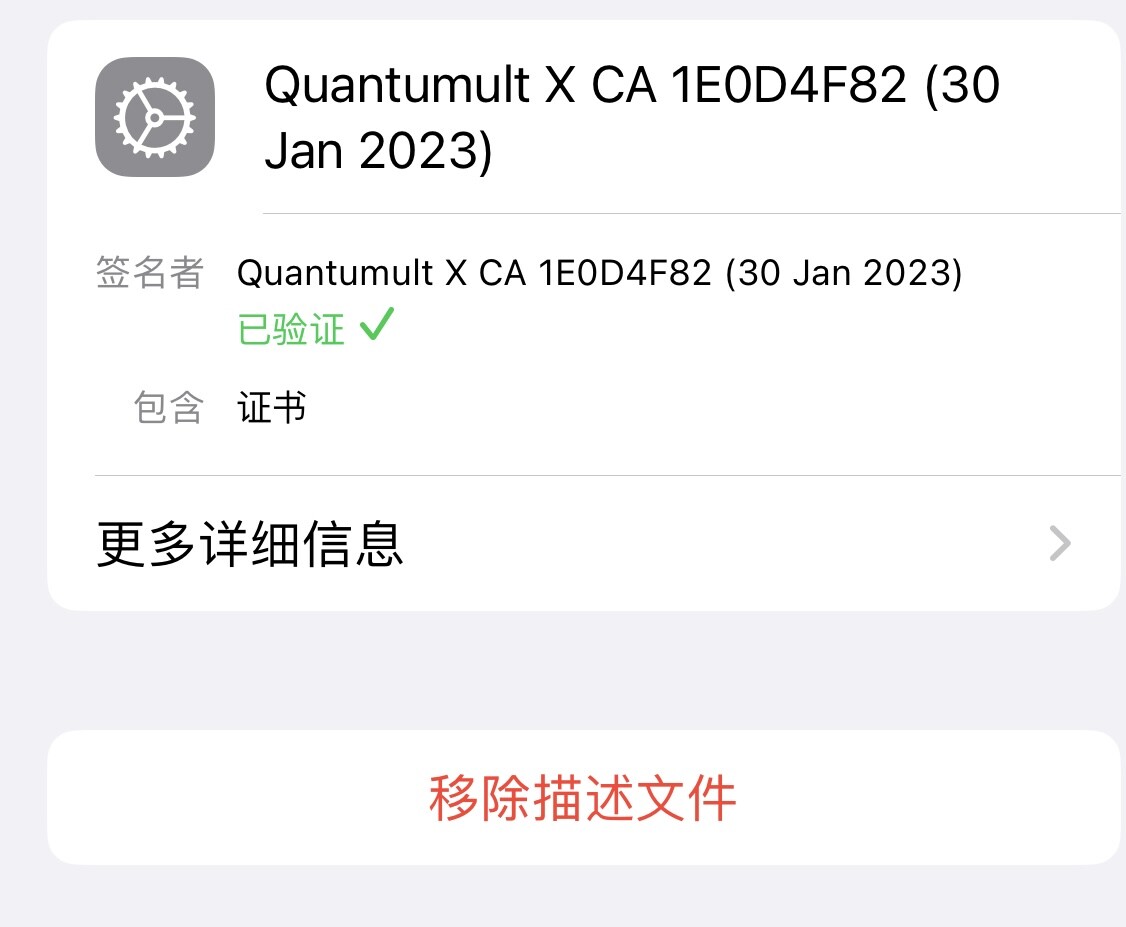
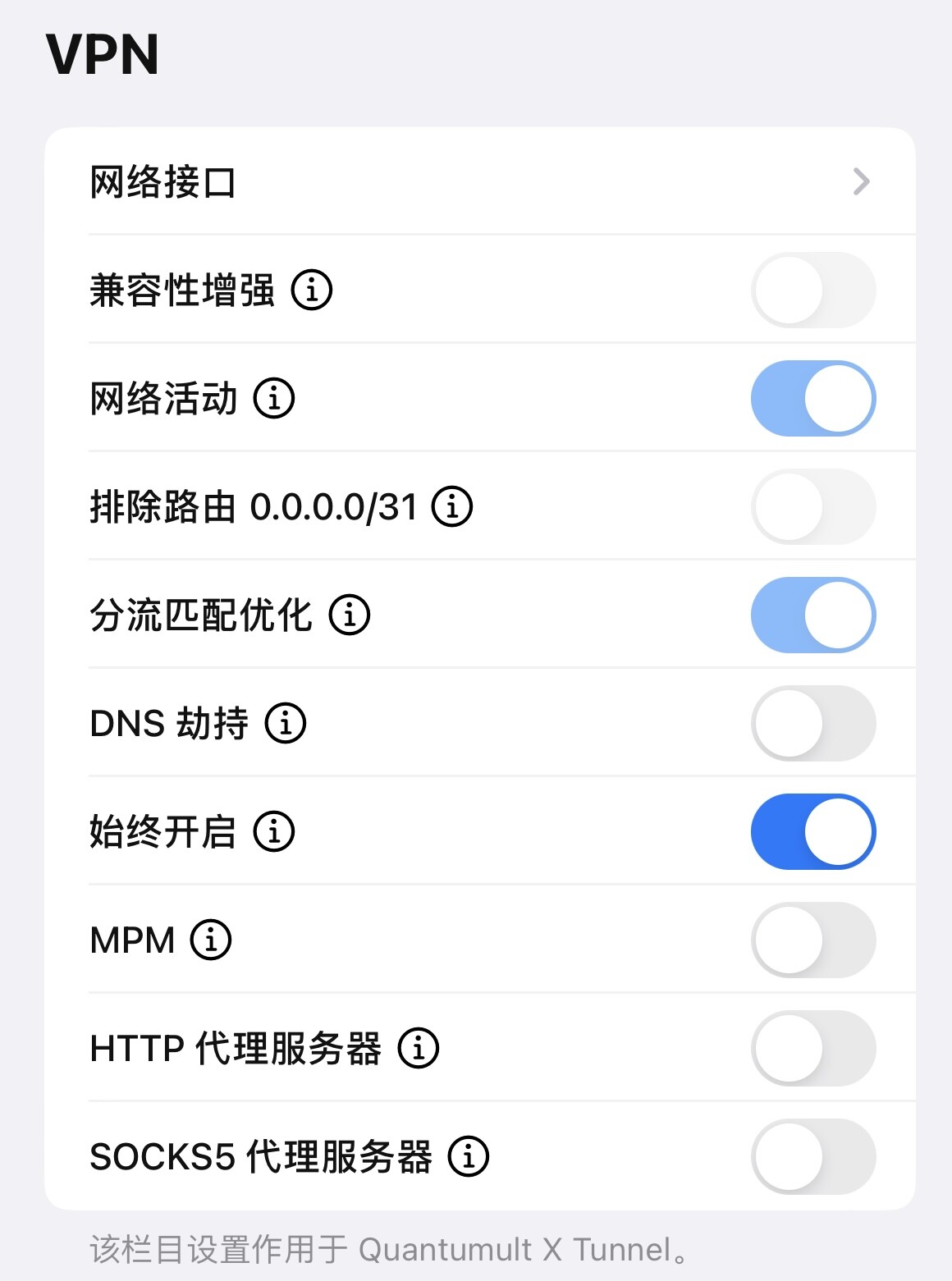
Once it is installed, open Windmill - Other Settings - VPN and turn on Network Activity.
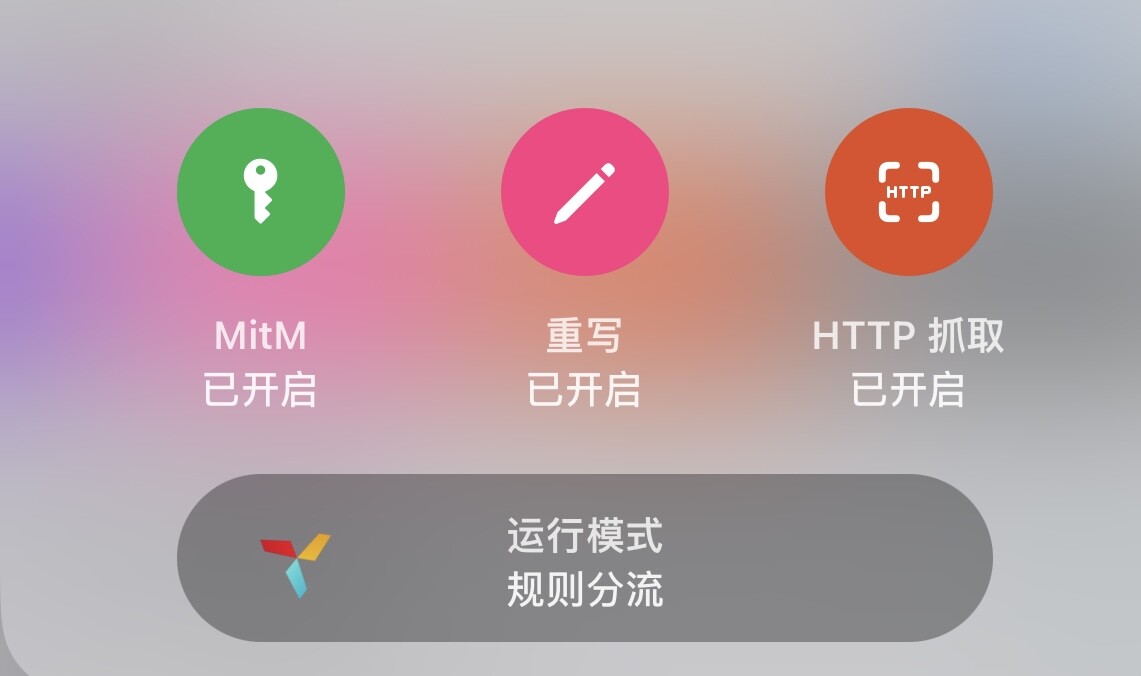
Open QQ Music first so it establishes a connection, then log out. In Quantumult X, long-press the windmill in the bottom-right corner and turn on HTTP capture.
Log in again, go back to Quantumult X, open Network Activity and find the connections to stream.qqmusic.qq.com. Open one and you will see the cookie and anything else you need in the request headers.
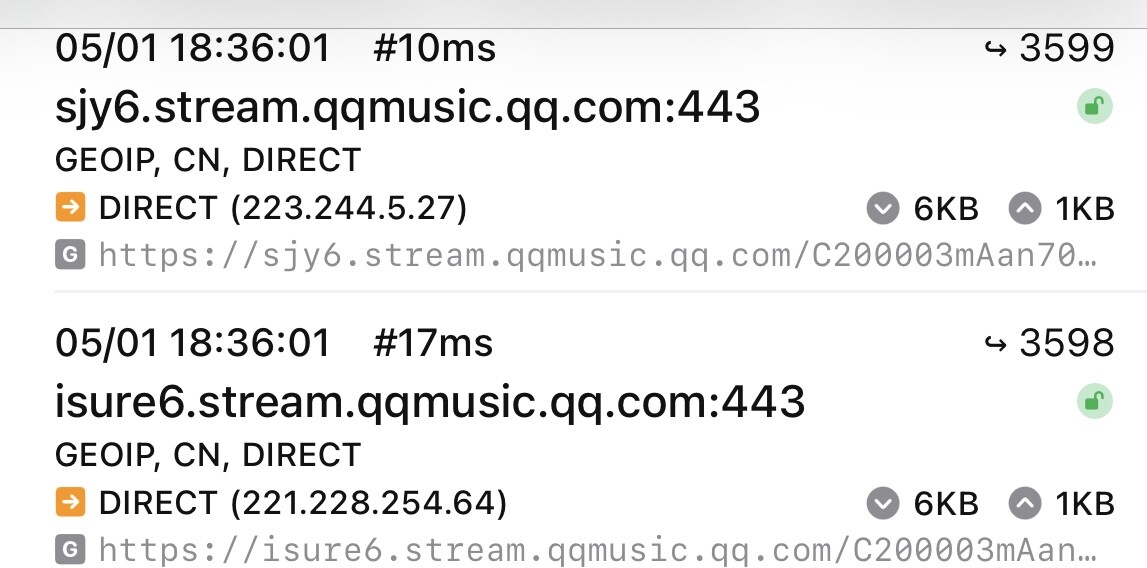
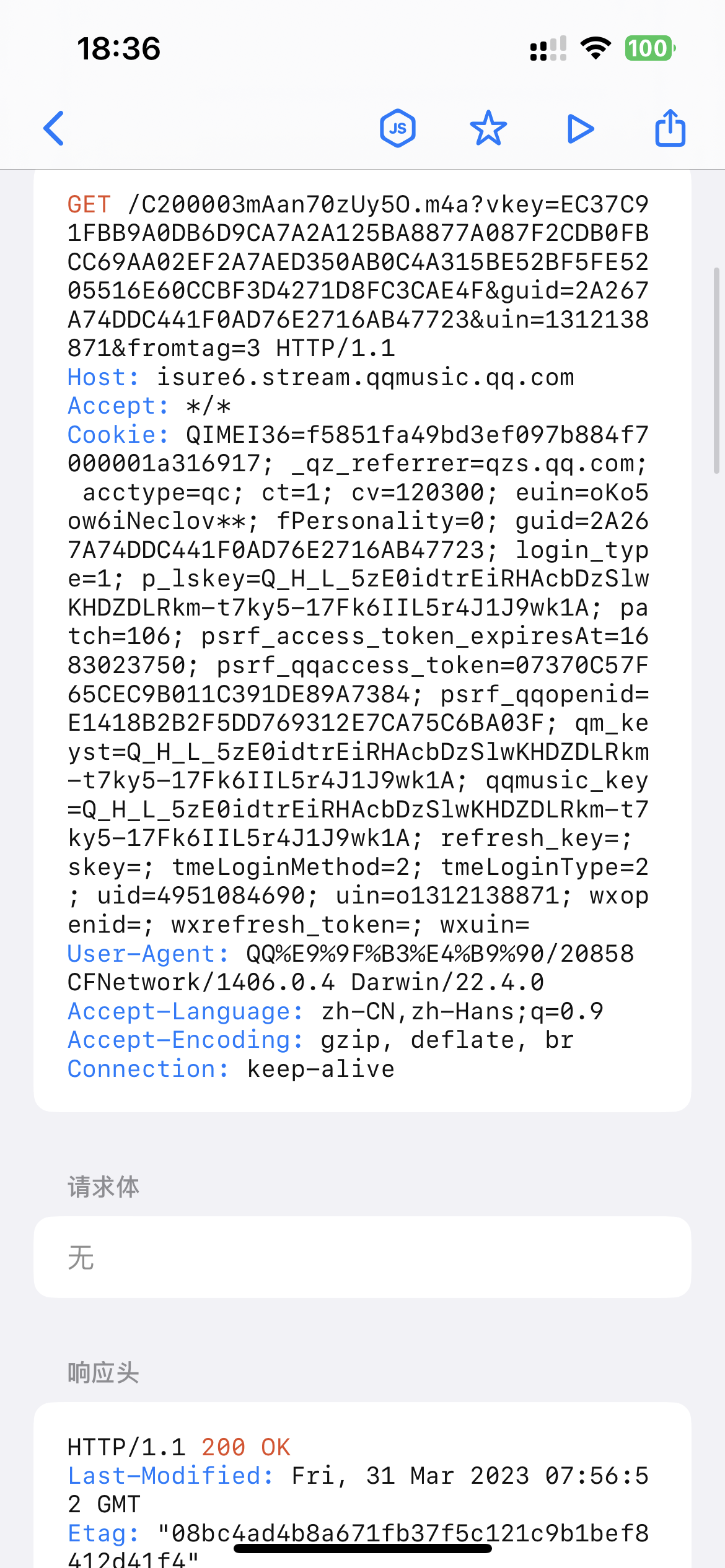
The same method works for other apps: just find the matching connection.