Installing Gitea on Debian (Docker)

Contents
Note
Date: 5 September 2024. Environment: Debian 11.11 bullseye with 2 vCPU & 1707 MB RAM. Gitea version: 1.22.1. Docker version: 27.2.0. MySQL version: 8.4.0
Preface
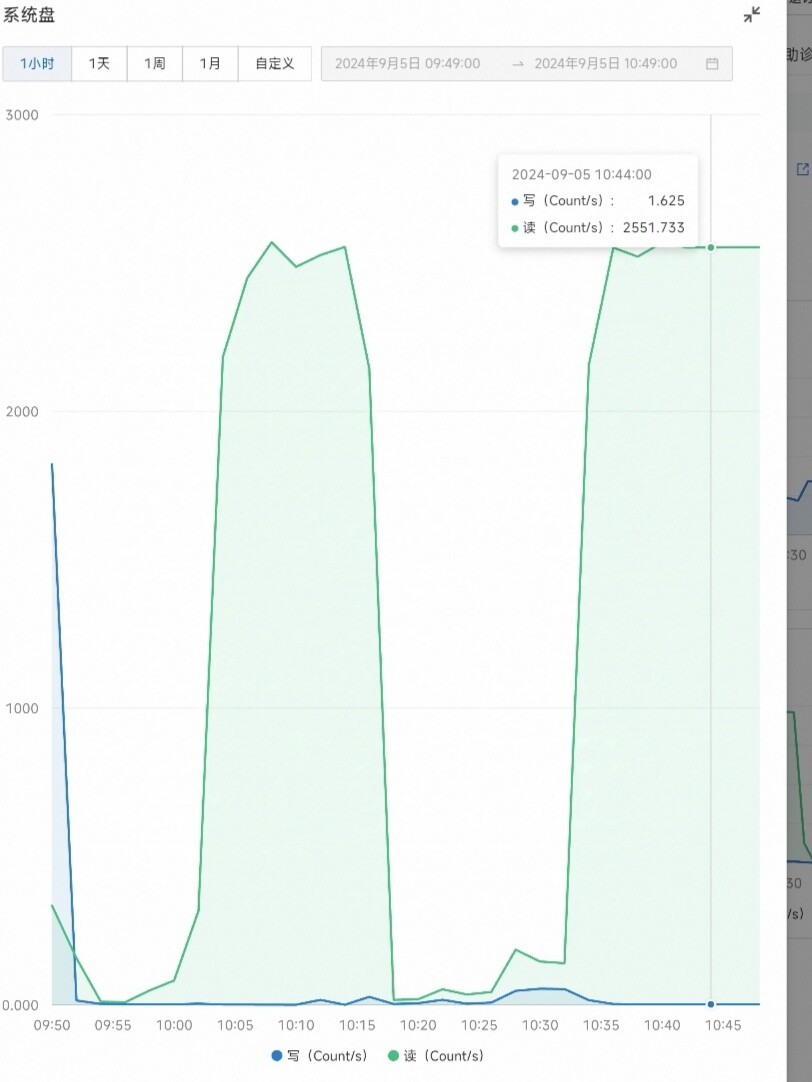
I have some personal projects and config files I don’t want hosted on GitHub, especially config files for my own use. PS: these could be hosted as GitHub gists, but that’s awkward to manage and update, and awkward to download without a proxy. So I decided to set up my own hosting platform. GitLab was my first thought, but its resource usage is absurd: during installation it blew through the RAM, fell back to swap, saturated the disk and froze the server 😅.
I don’t need that many features anyway, just basic code management, so I chose the much lighter Gitea.
Installation
I chose a Docker deployment with my own database.
Prepare the database
Log in to MySQL as root
mysql -u -root -p
Create a user for Gitea, here called gitea
CREATE USER 'gitea' IDENTIFIED BY 'passwd';
Create the database
CREATE DATABASE gitea CHARACTER SET 'utf8mb4' COLLATE 'utf8mb4_bin';
Grant all privileges on the database to the user created above
    GRANT ALL PRIVILEGES ON gitea.* TO 'gitea';
    FLUSH PRIVILEGES;
Install Docker
    curl -fsSL https://get.docker.com -o get-docker.sh
    sudo sh get-docker.sh
This installs the latest version available in the package repository.
Create the git user that runs Gitea
adduser \
   --system \
   --shell /bin/bash \
   --gecos 'Git Version Control' \
   --group \
   --disabled-password \
   --home /home/git \
   git
Prepare the directory
Create a directory /www/wwwroot/gitea/ with a data folder inside it.
mkdir -p /www/wwwroot/gitea/data
chown -R git:git /www/wwwroot/gitea/
chmod -R 750 /www/wwwroot/gitea/
Install Gitea
Create a docker-compose.yml under /gitea and edit it
version: "3"
networks:
  gitea:
    external: false
services:
  server:
    image: gitea/gitea:latest
    container_name: gitea
    environment:
      - USER_UID=1000 #set the UID and GID to those of the git user created above
      - USER_GID=1000
    restart: always
    networks:
      - gitea
    volumes:
      - /www/wwwroot/gitea/data:/data
      - /etc/timezone:/etc/timezone:ro
      - /etc/localtime:/etc/localtime:ro
    ports:
      - "3000:3000"
      - "222:22"
Start Gitea in the background with docker compose up -d, then visit yourip:3000 to configure it in the browser. Note that the database host must not be localhost or 127.0.0.1; use your server’s public IP instead. Docker runs as an isolated container, so 127.0.0.1 inside it is the container’s own loopback, not the host’s. You also have to open MySQL access to the outside and restrict it to your server’s IP only. For the domain in the config, you can use a domain you’ve pointed at the server and set ROOT_URL to that domain plus port, so Gitea can be reverse-proxied to your domain later; mind http vs https. END